
How AI and Professional 3D Visualization Are Delivering 20% Faster Project Timelines to Interior Design Firms
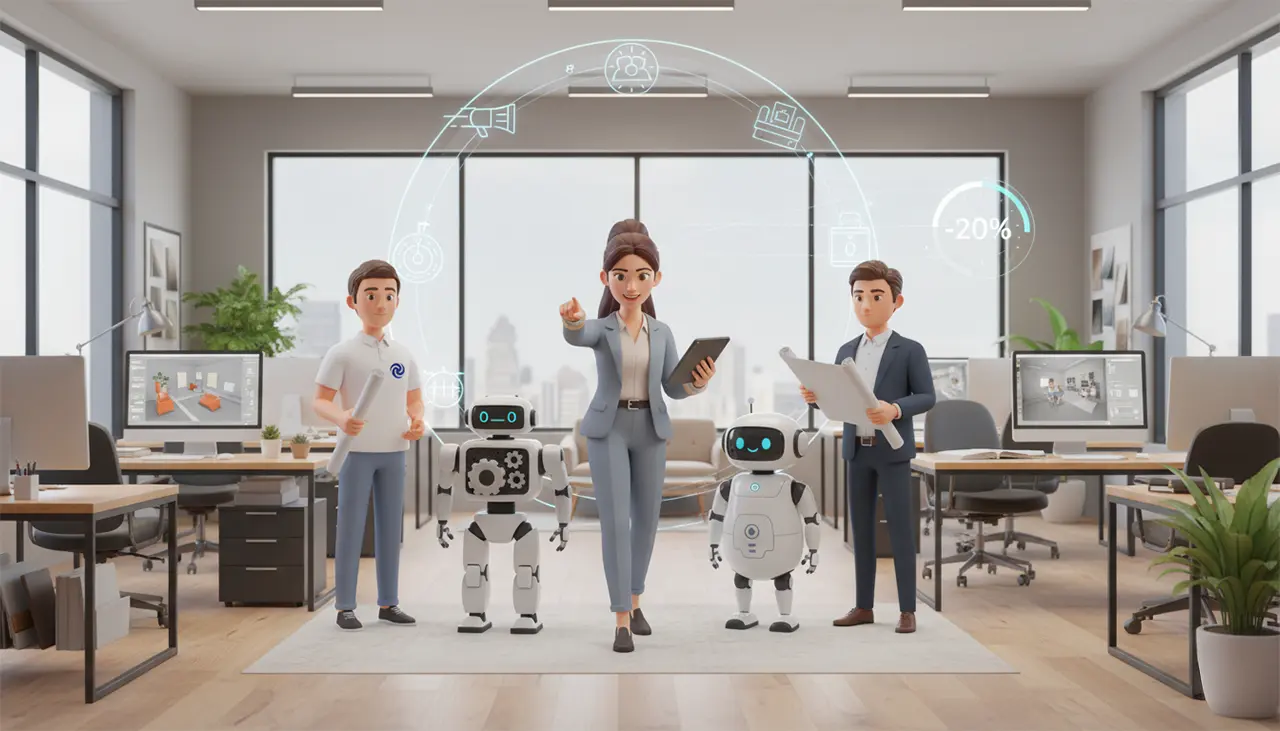
The world of interior design is moving faster than ever. As an interior designer or a firm owner, you’re constantly juggling project complexity, demanding clients, and the pressure to deliver excellence on tight deadlines. You’ve likely heard a lot of noise about Artificial Intelligence (AI) these past few years, and you might be wondering: Is this a revolutionary strategic tool, or just another creative threat?
The short answer is neither and both.
The most successful firms are moving past the "AI vs. Human" debate and mastering the Hybrid Workflow, strategically marrying the lightning speed of Generative AI for concept brainstorming with the necessary technical precision of professional visualization (whether that's 2D designs or 3D renderings) for final execution. This approach isn't just about cool visuals; it's about business transformation. We’re talking about a documented pathway to a 20% reduction in overall project timelines and a corresponding 15% increase in productivity according to an industry analysis reported by McKinsey & Company.
This article is your blueprint for integrating this hybrid strategy into your practice, ensuring you maximize efficiency while protecting your creative work and technical standards.
Table of Contents
Speeding Up Concept and Presentation

The most immediate benefit of AI is its ability to instantly demolish creative bottlenecks and accelerate client buy-in during the crucial early stages. This is where AI gives you a massive, unfair advantage in speed.
Instant Ideation: From Simple Sketch to Raw Concepts
Think about the time your team spends developing initial options. Traditionally, this meant hours of setup in Photoshop, SketchUp, or other software just to present a single, polished idea. AI has flipped the script: visualization is no longer a bottleneck saved for the final deadline.1
- The Power of Concept Generation: Here is the magic trick: You take a photo of an existing room or a screenshot of a basic 3D wireframe from your professional software. You upload it to an AI tool, and in approximately 30 seconds, the AI transforms that rough input into multiple, photorealistic raw concepts.
- Workflow Advantage (Internal Use Only): This means you can explore an unprecedented volume of design options in the same time it used to take for one, reducing creative risk.1 You can test aggressive material palettes, lighting ideas, or unconventional layouts internally. This rapid iteration is your shortcut to quickly locking down the creative direction before committing resources to detailed drafting.
The ROI of Rapid Visualization: Stopping Scope Creep
Beyond just aesthetics, the strategic use of AI for visualization translates directly into increased profitability because it speeds up the most frustrating part of the process: preventing clients from constantly changing their minds.
Scope creep is the silent assassin of your project profitability. It happens when clients lack certainty. By using AI's speed to show them all the potential "what-if" scenarios photorealistically before the design is final, you solidify their commitment much faster. Clear, rapid visualization is proven to accelerate client approvals and is your number one defense against those profit-draining revisions.
Operational Gains: Streamlining Proposals and Workflow
Let's be honest, the non-creative administrative tasks often kill momentum. AI is an expert at clearing this clutter, freeing up your billable designers for complex problem-solving.
- Automated Presentation Generation: No more hours spent dragging and dropping images and meticulously formatting layouts. Tools like ChatSlide are trained to understand design principles, generating complete, polished client proposals and presentations in minutes.4
- Dynamic Client Engagement: Use interactive platforms during live sessions where you can take clients on virtual tours through concepts or instantly show visual changes, boosting confidence and engagement.4
This dedication to efficiency is what helps top-performing studios realize that crucial metric: a 20% reduction in overall project timelines and a 15% lift in productivity.
The Reality Check: AI's Flaws and The Professional Standard
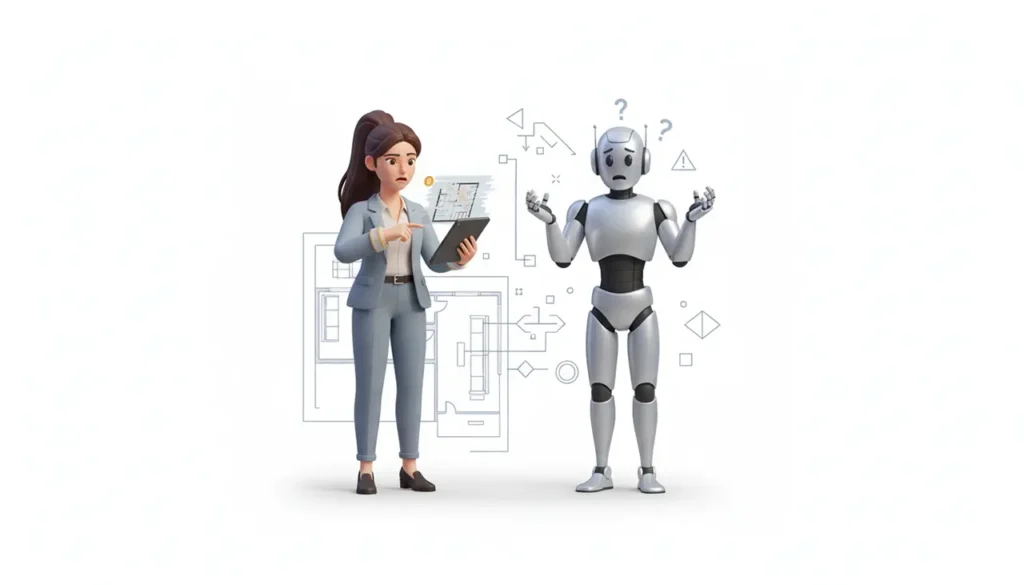
To use AI effectively, you must understand its current, critical flaws. The output is not a client-ready, professional render. It is a powerful internal concept tool that requires significant human correction.
The Critical Flaws of Generative AI Output
AI, in its current state, cannot create a reliable final render for several crucial reasons:
- Inaccurate Object Generation: AI can produce a funny mess—furniture with extra legs, impossible joins, or warped dimensions. This isn't about any furniture; it's about the inability to reliably render a specific, measurable piece of furniture you or the client intends to purchase.
- Low Resolution for Print/Web: AI-generated images typically cap out at resolutions like 1024x1024. This is insufficient for professional, high-fidelity marketing, print proposals, or large web displays.
- No Specificity for FF&E: If you need to show the client a specific sofa from Vendor X with a measurable dimension and confirmed fabric code, AI cannot do it. It only generates generic representations based on a style prompt.
- The Empathy Deficit: AI lacks the human connection. It optimizes for popular trends but cannot understand the subtle, subjective needs, memories, or emotional context that define a truly personalized space.
The Homogeneity Trap
Because AI relies on massive training datasets, it often optimizes for the statistically "preferred" trend. If you rely too heavily on its ideas, you risk falling into the "AI Aesthetic Monoculture"—a pool of designs that all look uniform, stifling your firm's unique creative vision.
- Strategy: Your role is to be the sophisticated curator. Use AI as a high-speed brainstorming tool, but never as the final source of the design.
The Hybrid Solution: AI Visualization vs. The Build-Ready Model
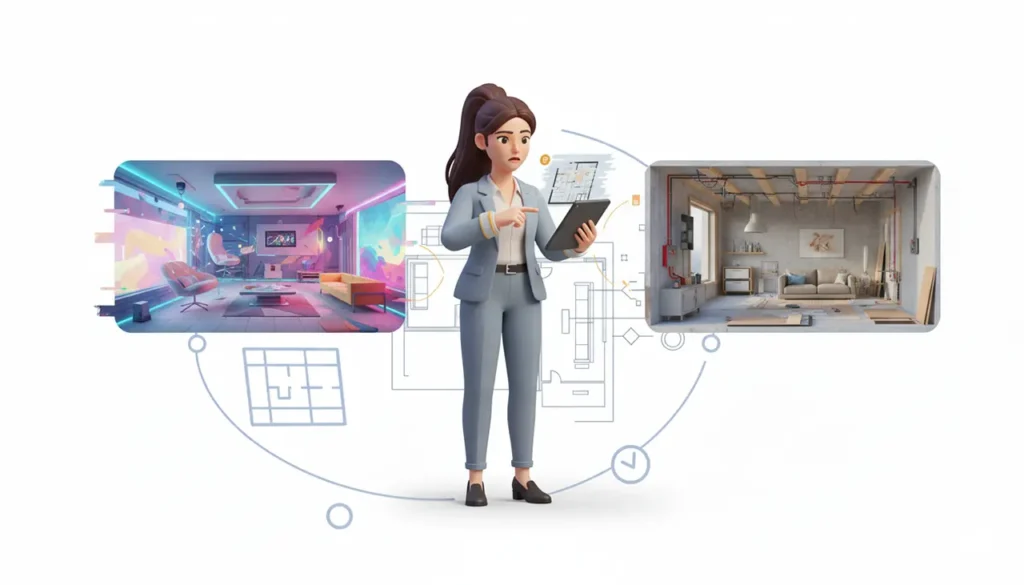
This defines the necessary technical difference between a beautiful, inspiring image and a document a contractor can actually build from.
The Core Difference: Visual Approval vs. Technical Assurance
Whether your firm relies on detailed 2D plans, SketchUp models, Revit, or Photoshop elevations, you already have a workflow for execution. AI complements, rather than replaces, this process:
- AI (Internal Concept): Excels in speed, iteration, and cost-efficiency for early concept approval.
- Traditional Professional Visualization (2D/3D): Remains essential for absolute fidelity and verifiable accuracy—the measurable data that ensures the project gets built correctly.
Why Your Documentation is Essential for Construction Assurance
A key distinction for interior designers: While AI accelerates the creative direction, your traditional documentation process is necessary for the buildability and technical rigor of the final space.
When we say "build-ready documentation," we mean the precise 2D plans, elevations, material schedules, and FF&E specification sheets that contractors and fabricators use to quote accurately and build correctly. The human-vetted, professional document translates the beautiful concept into a guaranteed plan for execution, preserving your reputation and avoiding costly field errors.
Implementing the Seamless Workflow
The most efficient studios use a clear, two-phase process:
- Phase 1 (Concept): Use AI to explore and narrow options with maximum speed and minimum cost.
- Phase 2 (Execution): Transition the approved, human-vetted design into your professional tools (SketchUp, V-Ray, AutoCAD, spec software) to create the final, technically accurate, build-ready documents.
Choosing the Right AI for the Job
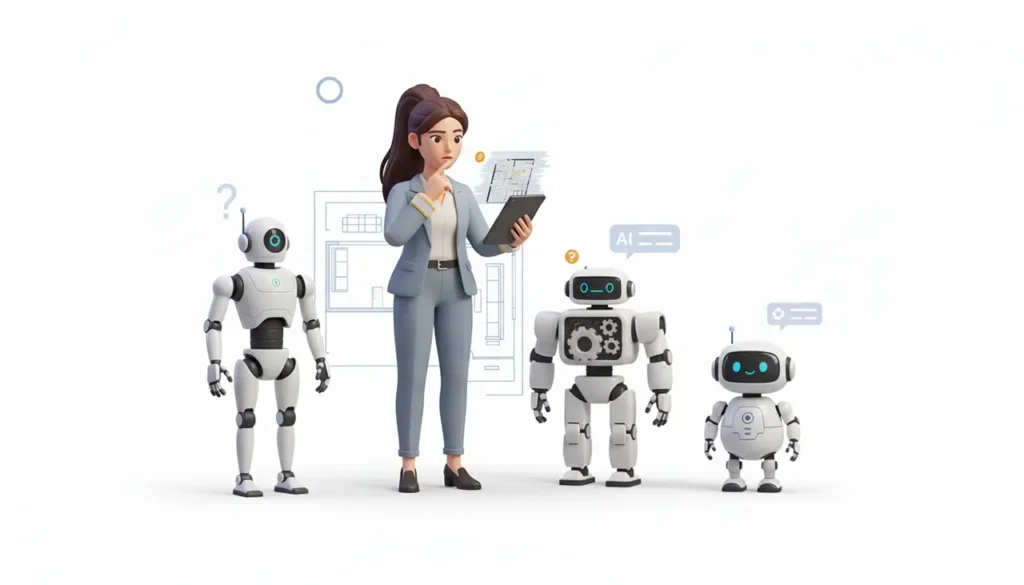
In the professional landscape, no single AI tool does everything perfectly. The "best" tool depends entirely on your project stage. The smartest firms use a segmented strategy:
| Tool Name | Primary Function for a Designer | What It's Best At |
| Midjourney | Early Concept/Mood Board | Artistic, stylized concepts, and visual storytelling where artistic flair is prioritized over technical detail. |
| Stable Diffusion/ComfyUI | Technical Accuracy/Customization | Realism, consistency, and superior accuracy in following detailed, complex prompts. Ideal for firms wanting to train the AI on proprietary style guides. |
| Nano Banana (Gemini 2.5) | Instant Editing/Iteration | Revolutionizing post-render editing. You can instantly remove objects, swap materials, or change mood via text prompt, saving massive time on revision cycles on existing renders. Now integrated with Photoshop. |
- Key Takeaway: For your firm, the winning strategy is a multi-tool approach—Midjourney for the artistic start, Nano Banana for friction-free revisions on existing renders, and Stable Diffusion (Flux models) for higher-fidelity technical realism.
Protecting Your Practice with IP, Authorship, and Ethics

As a firm owner, adopting AI requires you to address critical legal and ethical responsibilities immediately to protect your business.
Critical IP: Human Authorship and Copyright
This is non-negotiable for firm owners: The US Copyright Office requires human authorship.16
- The Rule: Content created solely by AI is ineligible for copyright protection in the US.17
- Actionable Advice: To protect your work, rigorously document the human intervention: the sophisticated prompts you engineered, your selection, arrangement, and modification of the AI output. Your final, human-vetted technical document is your strongest legal artifact.17
Transparency and Ethical Practice
Maintaining client trust is paramount.
- Ethical Best Practice: Be transparent with clients. Clearly communicate that AI is used as an internal concept tool to accelerate the design process, while emphasizing that the strategic vision, ethical judgment, material specification, and final technical execution remain the exclusive responsibility of your design team.9
Conclusion & Your Strategic Partner

The future studio is hybrid. AI delivers the speed, while professional visualization delivers the rigor and technical assurance needed for construction. Mastering this combination ensures both efficiency and excellence.
Embracing this dual-capability approach is your clearest path to increased productivity, streamlined client approvals, and stronger project outcomes. At Eonrender, we are specialists in this hybrid transformation. We utilize cutting-edge AI for rapid, high-volume concept visualization and simultaneously deliver the highest standard of professional 3D and 2D visualization for your final, construction-ready documentation.
Ready to implement a 20% faster, legally robust visualization workflow and position your firm for the future?
FAQs
Is 3D rendering still relevant with AI now?
Absolutely. AI is for internal concept iteration, but professional 3D/2D visualization is essential for creating accurate, build-ready models, ensuring material fidelity, and producing the detailed documentation contractors require.
What is the biggest business benefit of using AI?
Quantifiable reports show that firms leveraging AI have seen a 20% reduction in project timelines and a 15% increase in productivity by automating non-creative tasks.
How fast can AI generate concepts?
AI tools can convert rough sketches or room photos into high-resolution, photorealistic concepts in approximately 30 seconds to a few minutes.
Can I copyright a design made using AI?
Designs created solely by AI are ineligible for copyright. Protection is granted only for the elements where a human author provides significant creative contribution, such as the selection, arrangement, or detailed prompt engineering.
